


CASSETTE / FIT STUDIO
Your face.
Your frames.
Your call.
Find a look that feels like you. Switch colors, compare your favorites, and give them a virtual test drive.
Camera is optional. No account. No selfie upload.

01 / MEET YOUR NEXT PAIR
Same you. Different energy.
See it your way.
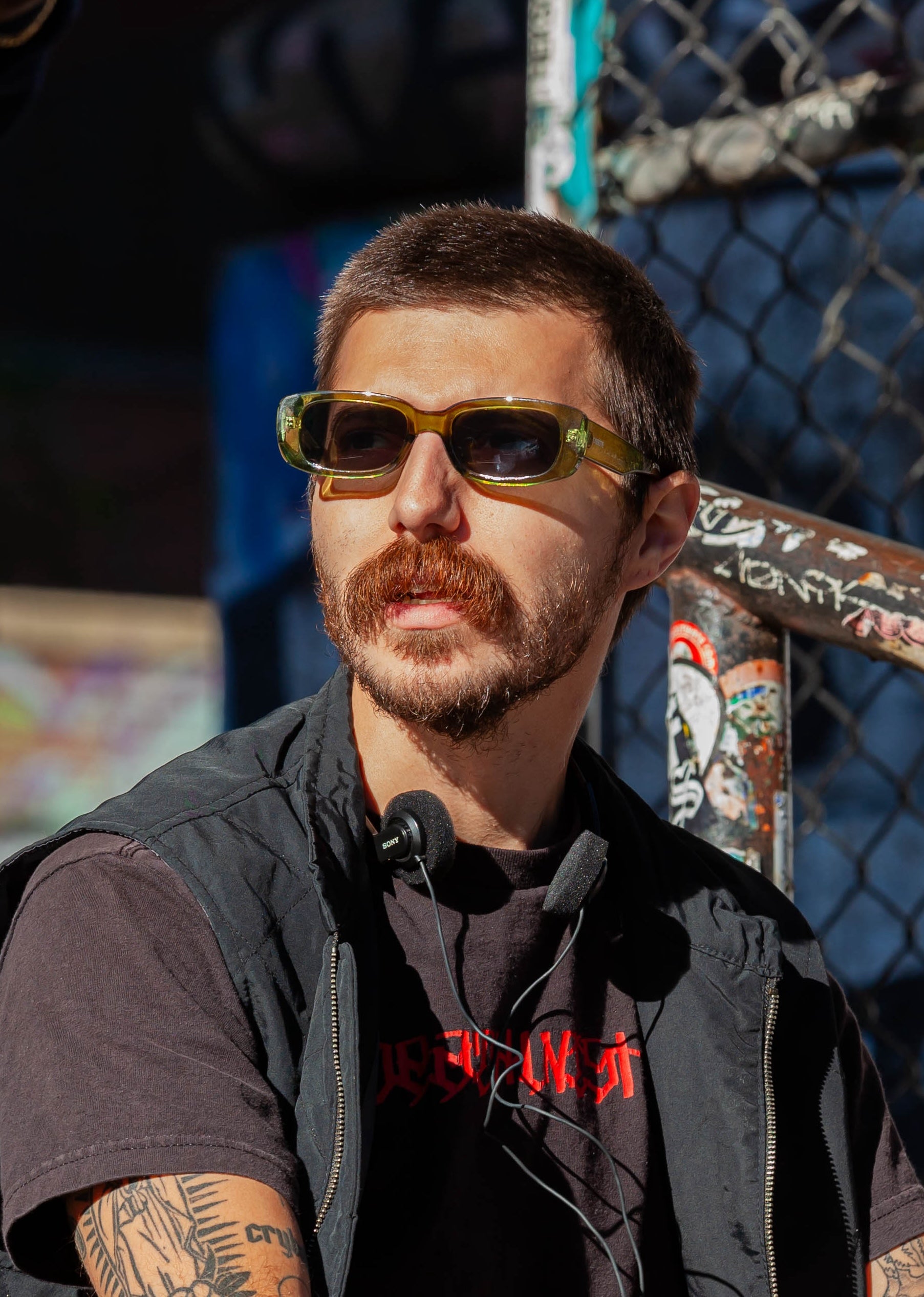
Pick a color below, or open your camera for a front-facing style preview.
Tracking mode: the frames follow your face. Controls adjust appearance only—not physical size.
A visual impression, not a true-to-size fitting. This beta uses front-view photos, not 3D frames. Stay facing forward; lens transparency and side views are not simulated.
MAKE YOUR SELECTION
Choose your frame
No face is the “wrong” shape for a pair of sunglasses. Use this studio to explore—not to follow rules.
The preview lineup starts with Napster and Tempo. Explore all sunglasses →
02 / THE SHORTLIST
Put your favorites head to head.
Choose up to two colors above. No photos of you are saved.
03 / NO CAMERA NEEDED
Find your kind of different.
A starting point, not a prescription. Pick the mood you’re going for, then make the final call yourself.
04 / STYLE IS A FEELING. FIT IS PHYSICAL.
Start with a pair you love wearing.
Look inside a temple arm. You may see three numbers like these:
Lens width: the horizontal width of one lens, in millimeters.
Example numbers only—not Napster or Tempo specifications. Lens + bridge numbers do not tell you the total outside frame width.
The real-world fit check
Does it stay put?
Gently look down and turn your head. A comfortable pair should stay in place without constant readjusting.
Does it feel comfortable?
Check for pinching at the nose and pressure at the temples or behind your ears. Your lashes should have room behind the lenses.
Does it sit the way you like?
Look straight ahead. Check that the frame sits level and rests comfortably, rather than riding on your cheeks.
Can the camera measure my size?
No. This preview is not calibrated in millimeters and cannot confirm bridge fit, temple pressure, prescription suitability, or real-world comfort. Use verified product measurements and a physical fit check.
GOOD TO KNOW
A little clarity.
What happens when I use the camera?
Only after you opt in, the studio requests camera access with the microphone off. Video and face landmarks are processed in your browser. This feature does not upload or save selfies, record video, identify you, or add face data to your customer profile. Stopping the camera or leaving the page clears the session.
The camera tool loads MediaPipe software and model files from jsDelivr and Google. Their servers receive ordinary download-request information. Google’s MediaPipe notice describes usage and performance metrics sent to Google, separate from your images. Read the provider’s privacy notice (opens a new tab). Store privacy policy.
How does the face-shape option work?
It is a separate, optional estimate of visible face proportions from a straight-on view. Lighting, expression, hair, camera angle, and lens distortion can change it. The estimate is not a validated measurement or a beauty rating, and is cleared when you stop or leave the camera view. You can re-estimate it at any time during tracking. You can skip it and choose your own shape in the finder.
What happens if my camera does not work?
Keep exploring the colors, comparison, and style finder—none needs a camera. For try-on, use a current browser with camera access allowed. Remove existing glasses and face the camera in even light. In-app browsers may require opening the site in your regular browser. If the face-tracking download fails, manual placement remains available with size, position, and tilt controls. Manual mode does not estimate face proportions.
Where can I check returns and warranty?
Read our shipping, return eligibility, and warranty information before purchasing. Virtual try-on does not change the store’s policies.